
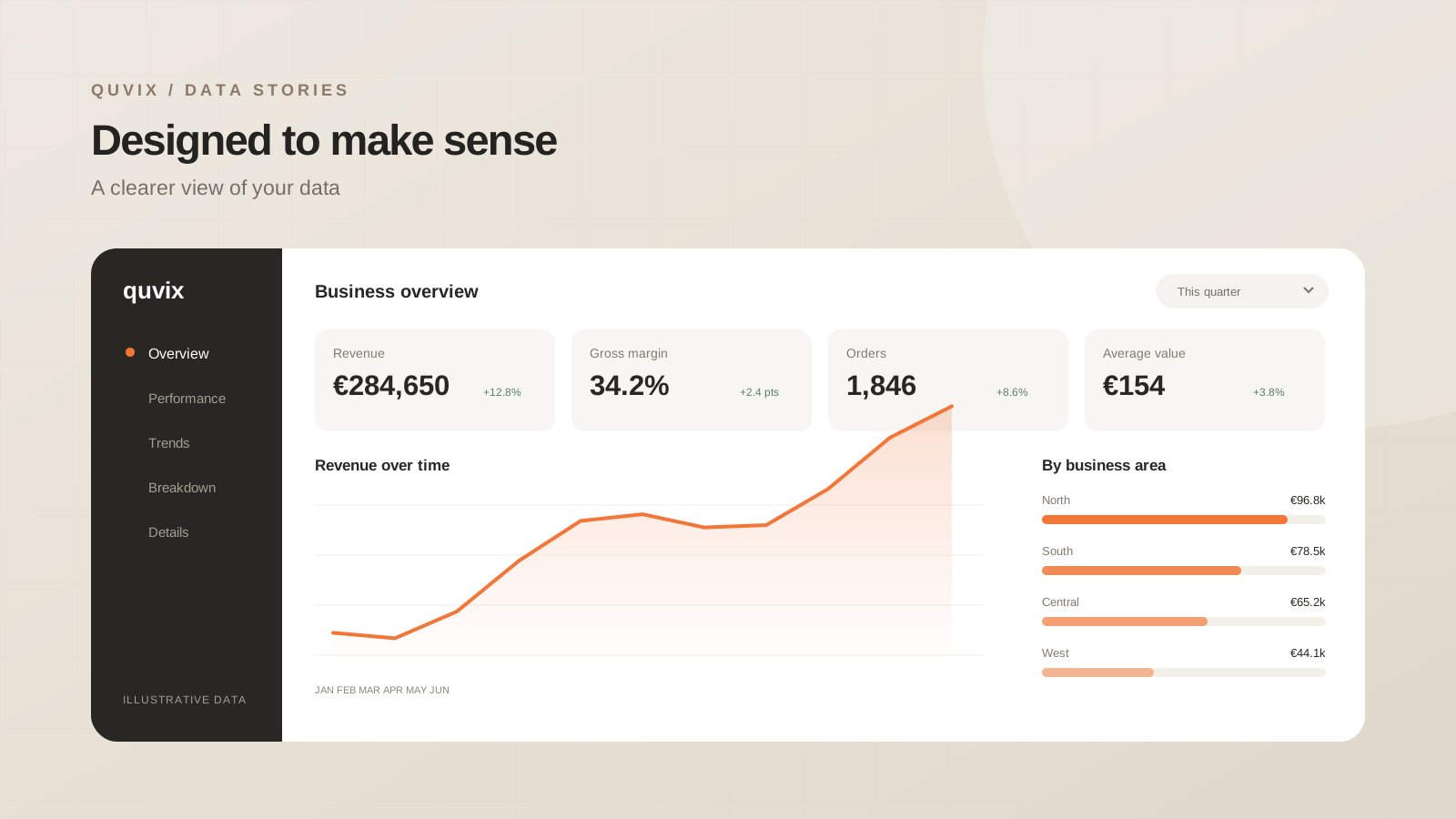
Make reports easier to use with clear labels, helpful defaults, and accessible interactions for everyday business decisions.
 ChatGPT
 Claude
 Google
 Grok
GrokStart with the first screen
The first screen should explain the report’s subject, its reporting period, and the main outcome. A reader should not need to open several filters to discover what they are looking at. Useful defaults save time and make shared screenshots less ambiguous.
Place the most important question at the top of the page. Supporting views can sit below it, with enough spacing to show which elements belong together. Consistency matters more than decoration: the same measure should keep the same name, format, and meaning throughout the report.
Use colour with a job in mind
Choose one accent for emphasis and reserve status colours for genuine meaning. A red number should not require the reader to remember whether red means “below target” or merely identifies a region.
Do not rely on colour alone. Pair status with a label, symbol, or direct comparison. Keep chart text readable at the size people actually use, and check the page on an ordinary laptop rather than only on a large design monitor.
Make the controls understandable
A filter should describe what it changes and make the current selection visible. If selecting a product changes some visuals but not others, that behaviour needs to be intentional and understandable.
- Give the report a sensible initial state.
- Group related filters together.
- Show the selected reporting period near the headline.
- Provide a clear way to reset selections.
- Test the keyboard focus order where the platform allows it.
Avoid hiding essential information in a hover tooltip. Tooltips are useful for additional detail, while core values and labels should remain visible.
Check awkward data
Design reviews often use a perfect sample. Real data includes long category names, empty periods, negative values, and unusually large totals. Test those cases before calling the layout complete.
A missing value and a zero need different treatment when they mean different things. Explain an empty result rather than leaving a chart that looks broken. Check whether labels remain readable when there are many categories.
Watch a real task
Ask a reader to answer a specific question without guidance. Watch the first interaction and listen to their explanation. Small changes to wording or defaults often improve the experience more than adding another chart.
A report earns repeat use by being clear and dependable on an ordinary day, not only impressive in its first demonstration.
Share this article: