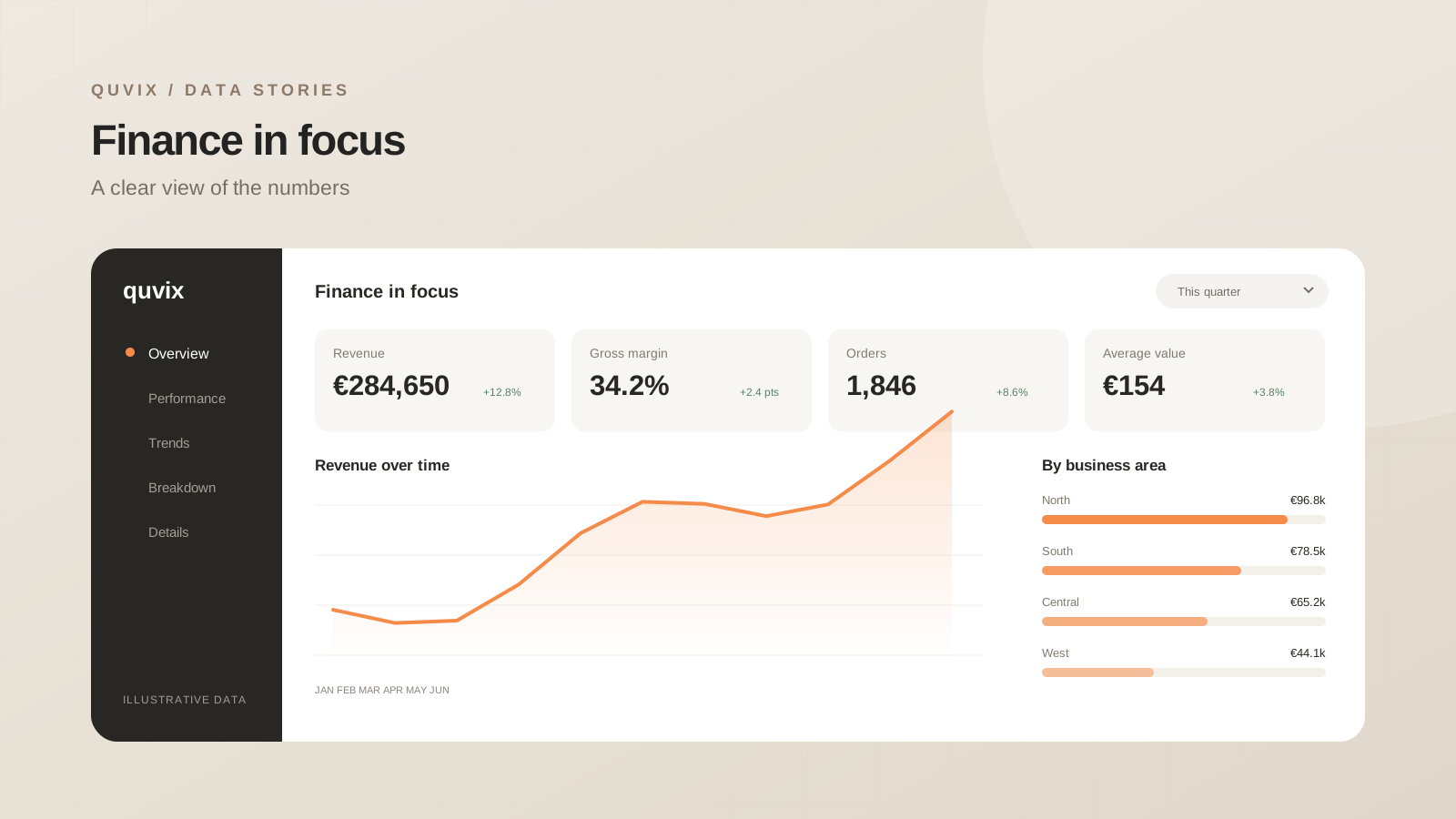
Compare budgets, actuals, and financial trends in one clear reporting view, built with a fictional finance dataset.
 ChatGPT
 Claude
 Google
 Grok
GrokThe reporting question
A practical management report connecting an illustrative budget, actuals, and the drivers of variance. This demonstration explores how a focused analytics product can connect a headline result to the detail behind it. All organisations, figures, and business situations shown here are fictional.
The brief was to give a busy team one dependable starting point for its regular review. Rather than placing every available field on the same page, the report follows a reading order: outcome, drivers, then the records that need attention.
What the report brings together
The overview combines a small set of headline measures with a trend, a comparison by business area, and a detail view. Filters keep the reporting period and relevant segment visible throughout the experience.
| View | Purpose |
|---|---|
| Overview | Understand the position at a glance |
| Trend | See whether the change is recent or sustained |
| Breakdown | Identify the areas driving the result |
| Detail | Find the records behind an exception |
The same measure keeps the same name and format across views. Targets and previous-period comparisons provide context, while labels explain whether a value represents an amount, a percentage, or a count.
A model built for clarity
The illustrative dataset separates transactions from the date, product, and organisational attributes used to explore them. Measures are defined once in the model and reused throughout the report.
Basic checks reconcile the overview with its underlying detail. The design also accounts for empty selections, long category names, and negative variances, so the report remains understandable beyond its ideal demonstration state.
The interaction details
Readers can move from a broad view to a specific area without losing their reporting context. The initial filter state answers the most common question, while a clear reset route makes exploration easy to undo.
Open the report preview above to inspect the layout. The design uses a restrained palette, consistent spacing, and direct labels to make the information easy to scan.
What this example demonstrates
A useful reporting product connects a trustworthy model to a focused interface. This concept shows the structure and craft of that approach with a fictional dataset, ready to be adapted to a real reporting question.
Share this article:


