
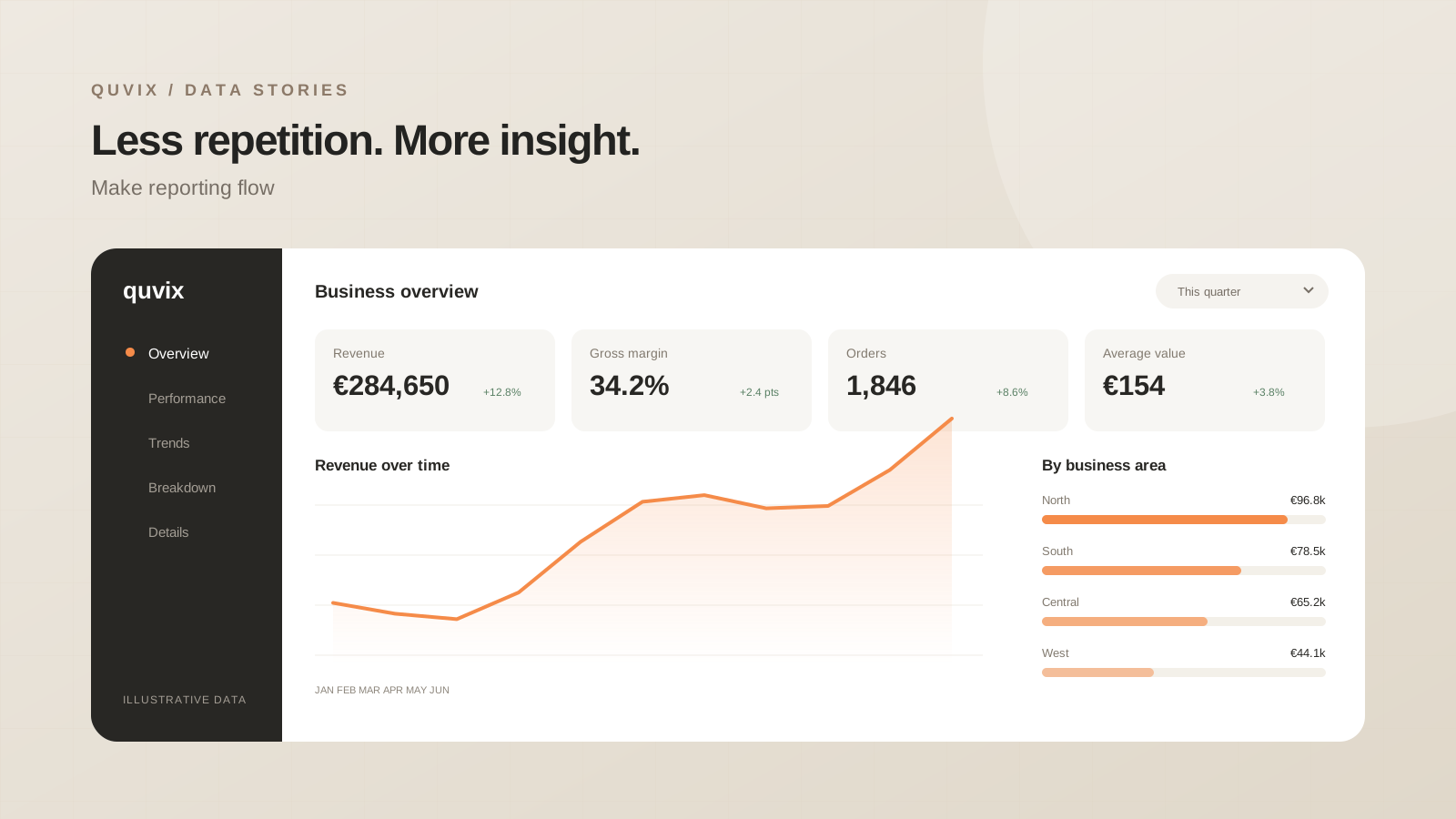
Create a reliable reporting workflow that removes repetitive tasks and gives people more time to act on useful insights.
 ChatGPT
 Claude
 Google
 Grok
GrokFind the repeated work
A monthly reporting process often contains the same sequence: export files, rename columns, combine sheets, refresh formulas, and send a final workbook. Before automating it, observe one complete cycle. Record the inputs, the changes made by hand, and the checks performed before the result is shared.
The most useful automation target is usually a repeated transformation with a clear input and output. Start there rather than trying to replace the entire workflow at once.
Agree the contract for each input
A scheduled refresh is only reliable if the source behaves predictably. Document the expected columns, the unique identifier, the date format, and the delivery time. Decide how a missing file or an unexpected column should be reported.
| Stage | Example check | Owner |
|---|---|---|
| Receive | Expected file arrived | Operations |
| Transform | Required columns are present | Data team |
| Validate | Totals match the source | Report owner |
| Publish | Refresh completed successfully | Report owner |
These checks make failures visible at the point where they happen. A report with yesterday’s data should say so clearly; silence is not evidence that a refresh worked.
Keep people at the right points
Automate copying and reshaping. Preserve human review where an unusual result needs interpretation. For example, a large month-to-month movement can trigger a review note without automatically declaring the number incorrect.
Build the first version around one source and one recurring output. Run it alongside the existing process for a complete reporting cycle. Compare the results and investigate differences before the old spreadsheet is retired.
Plan for a missed run
Ask what happens if the source arrives late or a system is unavailable. A workflow needs a visible status, an understandable error, and a clear person responsible for the next step. Re-running the same input should not create duplicate records.
Document the few actions a maintainer will actually need: check the source, inspect the failed stage, correct the input, and run the workflow again.
Measure the time returned
Track the manual steps removed and the time spent on exceptions. Successful automation makes the reporting cycle calmer and easier to understand. The goal is a dependable process that gives people more time to interpret the numbers.
Share this article: